October 2026 vulnerabilities and what to update
October brought critical PHP flaws, a backdoored WordPress plugin, Node.js fixes and malicious npm and PyPI packages. Here's what to update.
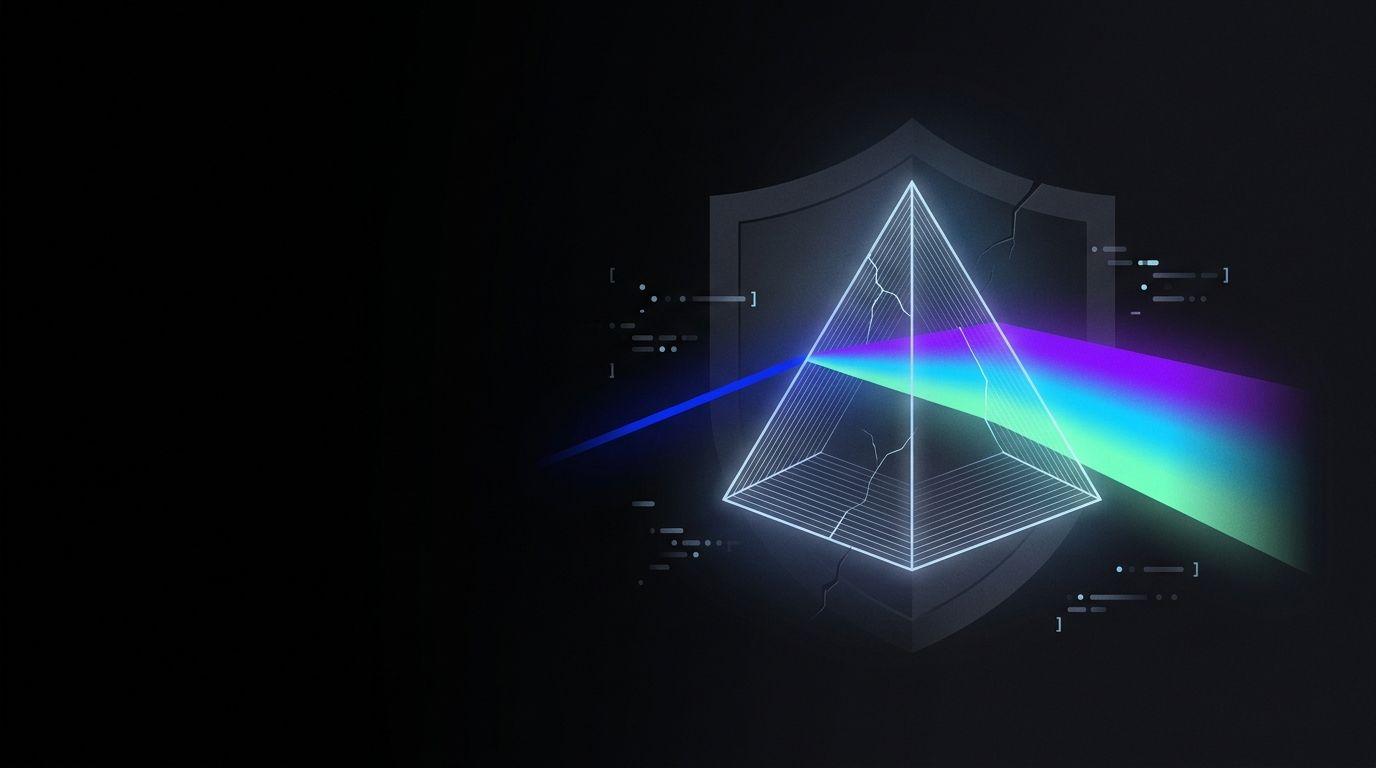
October 2026 was a heavy month for web security. PHP fixed two critical flaws that are already being exploited, a paid WordPress plugin shipped with a backdoor, Node.js released ten fixes and malicious packages kept appearing on npm and PyPI. If you run a website, an online store or your own application, some of this very likely affects you.
PHP: PHP2Shell
What happened. On October 21, the PHP project released emergency updates for two critical flaws, CVE-2026-109618 and CVE-2026-109619, known as PHP2Shell. They're in how PHP handles memory and errors, and they let someone with no username or password run code on the server. Both are rated 9.2 out of 10 (CVSS v4). According to The PHP Foundation, the highest risk is Apache with mod_php, where researchers took full control with default settings. They were reported by Calif, Wiz and OpenAI's Codex Security team, and OpenAI explained how it coordinated the disclosure. Details leaked on October 20 and PHP moved the release up by a day (it also announced it on X).
Attacks have started. Cloudflare saw malicious traffic before the release, watchTowr observed exploitation in the wild from October 21, and CISA, the US cybersecurity agency, added both flaws to its catalog of exploited vulnerabilities on October 26.
On October 23, PHP published an advisory about a related flaw (CVE-2026-115560) in the session upload progress feature, to be fixed in the next release.
Who it affects. Every PHP installation that serves web requests: PHP-FPM, Apache mod_php, php-cgi, FrankenPHP and LiteSpeed. That includes WordPress, Laravel and any PHP-based software. Every version before 8.2.35, 8.3.36, 8.4.27 and 8.5.12 is affected. So are PHP 8.1 and older, which the project no longer updates.
What to do.
- Update to the fixed version of your branch: 8.5.12, 8.4.27, 8.3.36 or 8.2.35. According to PHP, updating is the only complete fix.
- Check each domain's PHP version in your hosting panel. On the server,
shows the command-line version, which may not be the one serving the web. OpenAI published a checker that reads the version a site advertises, though it can't see fixes your provider backported.php -v - If you use Plesk, install its PHP updates. Its change log for October 21 includes the four fixed versions and, on Linux, also applies the fix to its 8.1.34, 8.0.30 and 7.4.33 packages, which keep the same version number. That day it also updated the panel's own PHP (18.0.81 Update 4 and 18.0.80 Update 11). Updating the panel doesn't update your sites' PHP.
- If you don't use upload progress, disable
.session.upload_progress.enabled - If you're on PHP 8.2, plan your upgrade: it stops receiving fixes on December 31, 2026.
WordPress: Rank Math PRO
What happened. Version 3.0.123 of Rank Math PRO, a paid SEO plugin, shipped with a backdoor. According to Rank Math's notice, it reached anyone who downloaded or updated it between October 15 at 20:02 UTC and October 16 at 07:12 UTC. The backdoor recreates itself when someone visits the site, according to BleepingComputer.
Who it affects. Sites with Rank Math PRO 3.0.123 downloaded in that window. The free version on WordPress.org is not affected.
What to do. If you activated it, treat the site as compromised. Restore a backup from before October 15 or clean it thoroughly following the notice, change every credential (WordPress, hosting, database, API keys, email) and install 3.0.124. Deactivating the plugin isn't enough.
Node.js
What happened. On October 21, Node.js fixed ten flaws, four of them high severity. One of them (CVE-2026-111497) is in the Brotli decoder and can lead to code execution; PHP rebuilt its Windows binaries on October 26 for the same flaw.
Who it affects. The 26.x, 24.x and 22.x lines. Versions past end of life are always affected.
What to do. Update to Node.js 26.12.1, 24.22.1 or 22.23.4. If you deploy with containers, rebuild the image on the new version. If you're on an unsupported version, move to one of these.
npm
What happened. Malicious packages keep appearing. According to a count by Safeguard based on GitHub's advisory database, 112 malware advisories covering 106 packages, 96 of them on npm, were published between October 26 and 28. They included cryptocurrency miners, packages posing as companies' internal dependencies and credential-stealing code. Many run as soon as the package is installed.
Who it affects. Any project or machine that installed one of the listed versions.
What to do. Install with
npm ciignore-scriptsPython: PyPI
What happened. The same Safeguard count includes 10 malicious PyPI packages published in those days: information stealers, a remote access tool and a reverse shell.
Who it affects. Anyone who installed one of those packages.
What to do. Pin versions with hashes (
pip install --require-hashesRust
What happened. We found no confirmed attack on crates.io this month. There were security advisories on RustSec for widely used crates such as rustls, tokio, wasmtime and zstd-safe.
Who it affects. Projects that depend on the affected versions of those crates.
What to do. Run
cargo auditWhat to do this week
- Update your runtimes: PHP and Node.js to this month's fixed versions, on servers, containers and test environments.
- Review your plugins: especially paid ones, which update outside WordPress.org. Check which version of each you have.
- Pin and audit your dependencies: lockfiles on npm, hashes on pip,
andnpm audit
on every project.cargo audit - Check your hosting panel: each domain's PHP version, pending panel updates and whether your provider has applied the patches.
Why it matters
According to W3Techs, at the end of October 2026 PHP ran 69.2% of websites whose server-side language is known. More than a third of those sites are still on PHP 7 or older, versions the project no longer patches. And most of this month's incidents aren't fixed by updating your theme or content: the server, plugins or dependencies need work.
At Eprisma we maintain websites, servers and applications. We check which versions you run, whether your hosting already applied the patches, and which plugins or dependencies need attention.
Questions and answers
How do I know if my site is affected? Check your PHP or Node.js version in your hosting panel, and your list of plugins and dependencies. If you don't know where to look, ask your provider or whoever maintains your site.
Is a firewall like Cloudflare enough? It helps while you update, but it doesn't replace the patch. For PHP, only updating fixes the problem.
I updated WordPress and my plugins. Am I covered? Not entirely. The PHP flaws are in the server, not WordPress, and a compromised plugin can leave a backdoor even after you update it.
How often should I check this? At least once a month. PHP, Node.js and the advisory databases release fixes regularly.
Be part of our tech community
New articles and events, straight to your inbox.
Keep reading
See all Eprisma at the CAVENIT Bolívar Open Consultative Meeting: partnerships, Italy and technology
We were at the CAVENIT Bolívar Special Open Consultative Meeting: talks, partnerships with Italy and the chamber's new website.
Read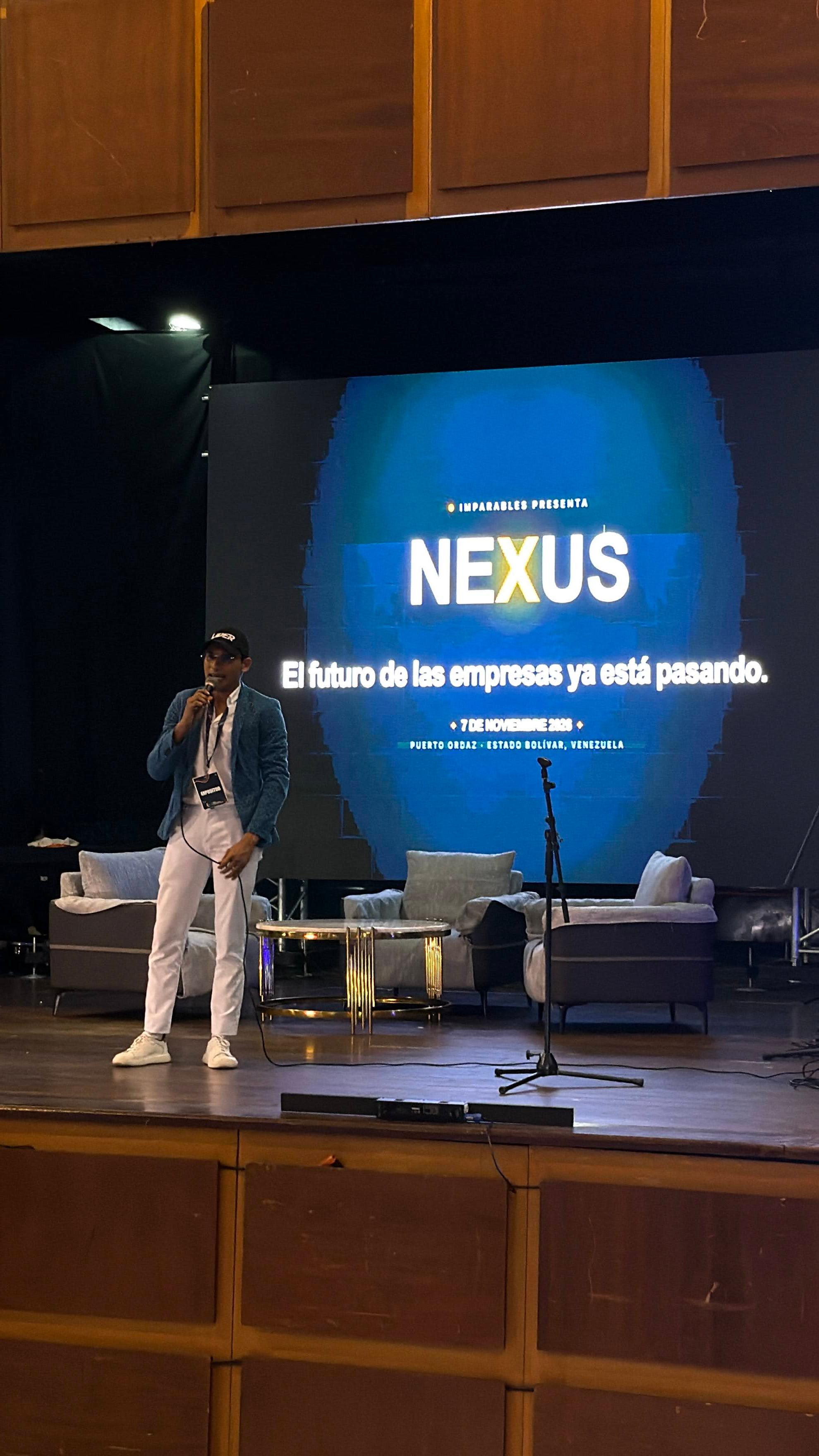 NEXUS: talk and panel with Imparables on November 7
A talk and panel with Imparables, streamed online, to go deep on sales, automation and artificial intelligence.
Read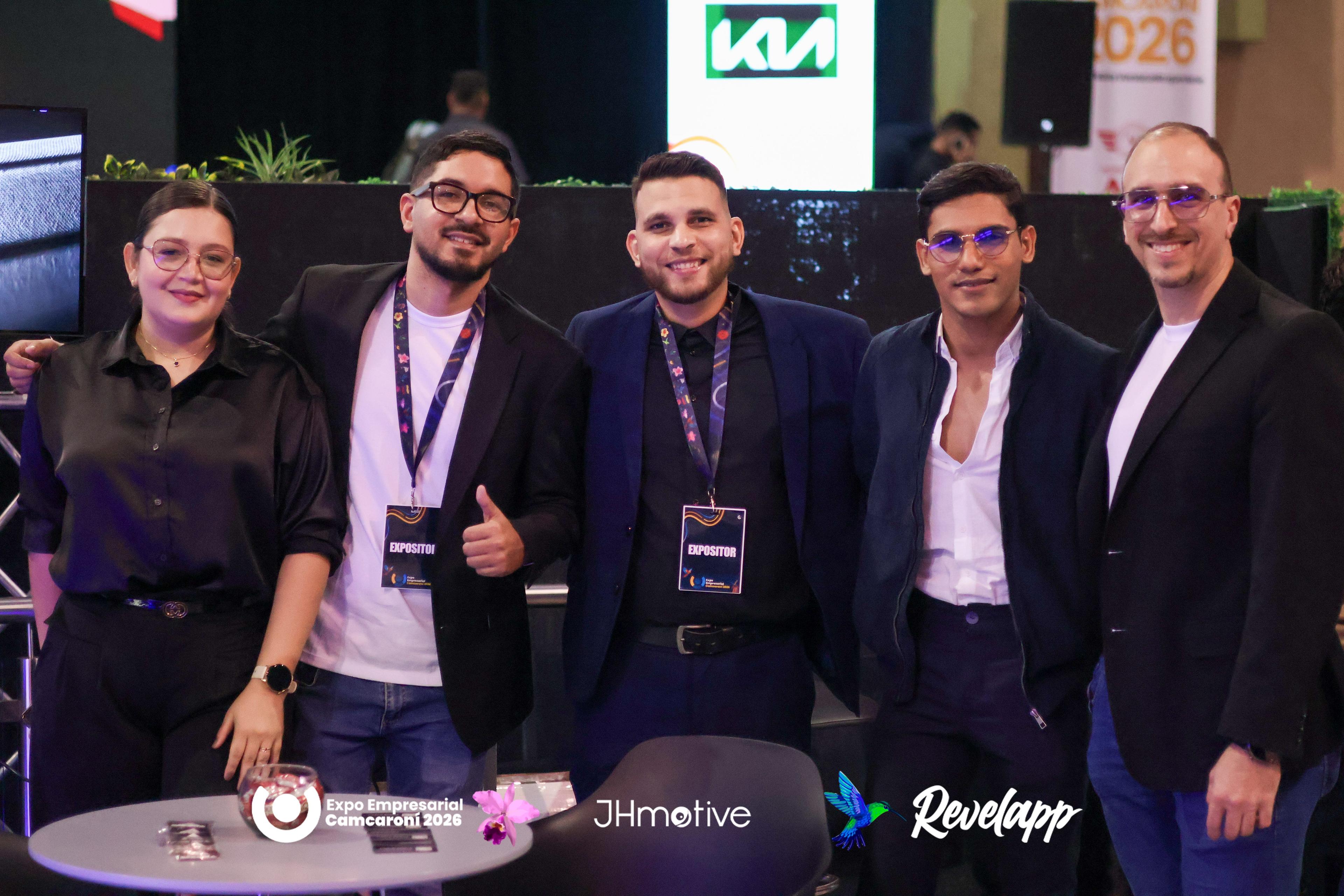 CamCaroní Expo 2026: three days, one service a day
We were at the Caroní Chamber of Commerce business expo. Here's how it went, what we showed and where the conversation goes next.
ReadWant to apply it in your business?
Book a free 30-minute diagnostic and we'll go through it together.
Comments (0)
There are no comments yet... Be the first to comment!